




Install, import, edit, customise, sell and launch — the complete Washlora walkthrough with screenshots
Washlora at a glance
105specialised laundry niches
315home layouts (3 per niche)
4page editors per layout
3slider engines supported
Washlora is a WordPress theme for laundromats, dry cleaning, pickup and delivery, commercial laundry and linen services. Requires WordPress 6.6+ and PHP 8.0+.
Video tutorials
Prefer to watch? The complete Washlora series is on YouTube (11 episodes).
Washlora Screenshots
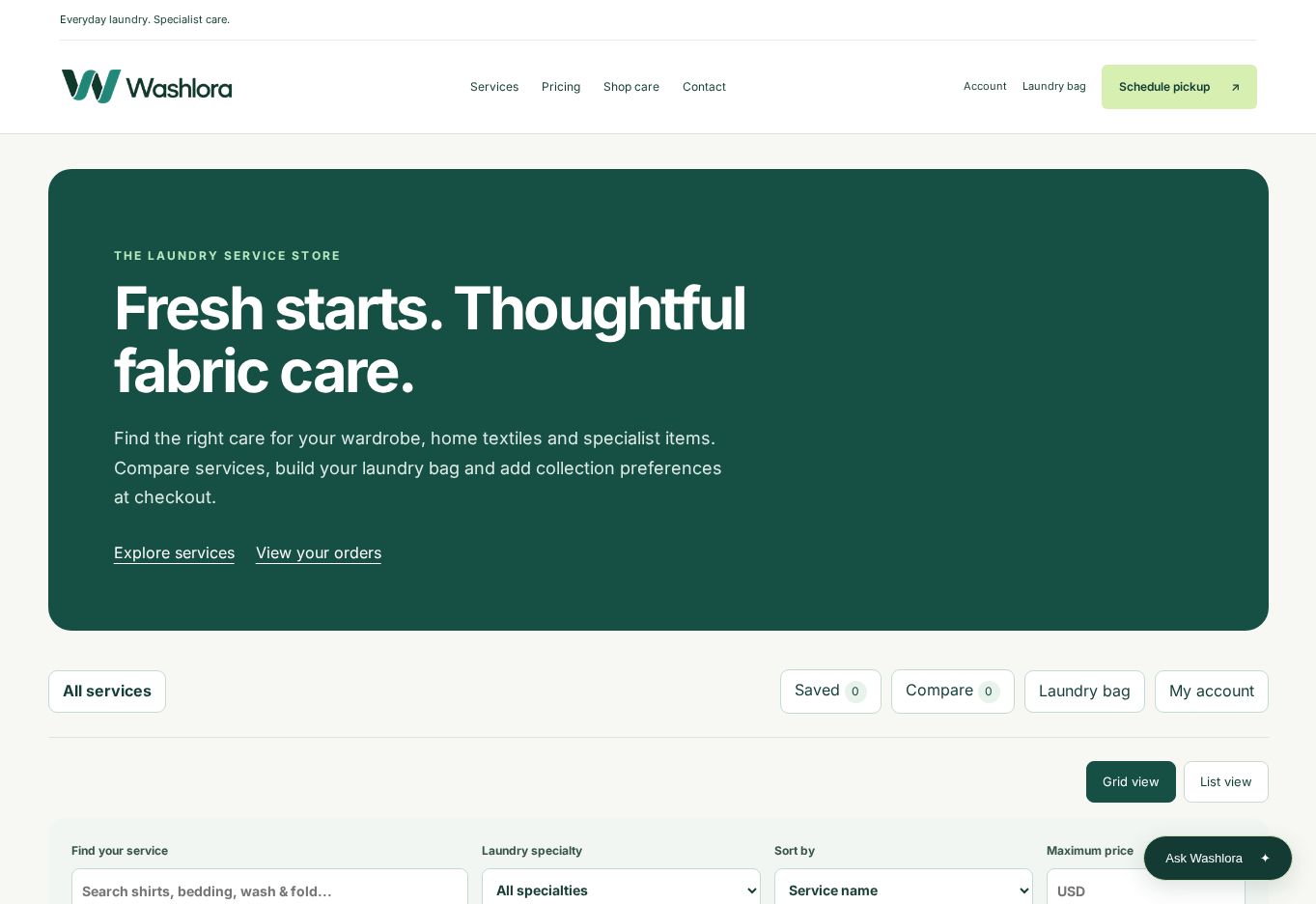
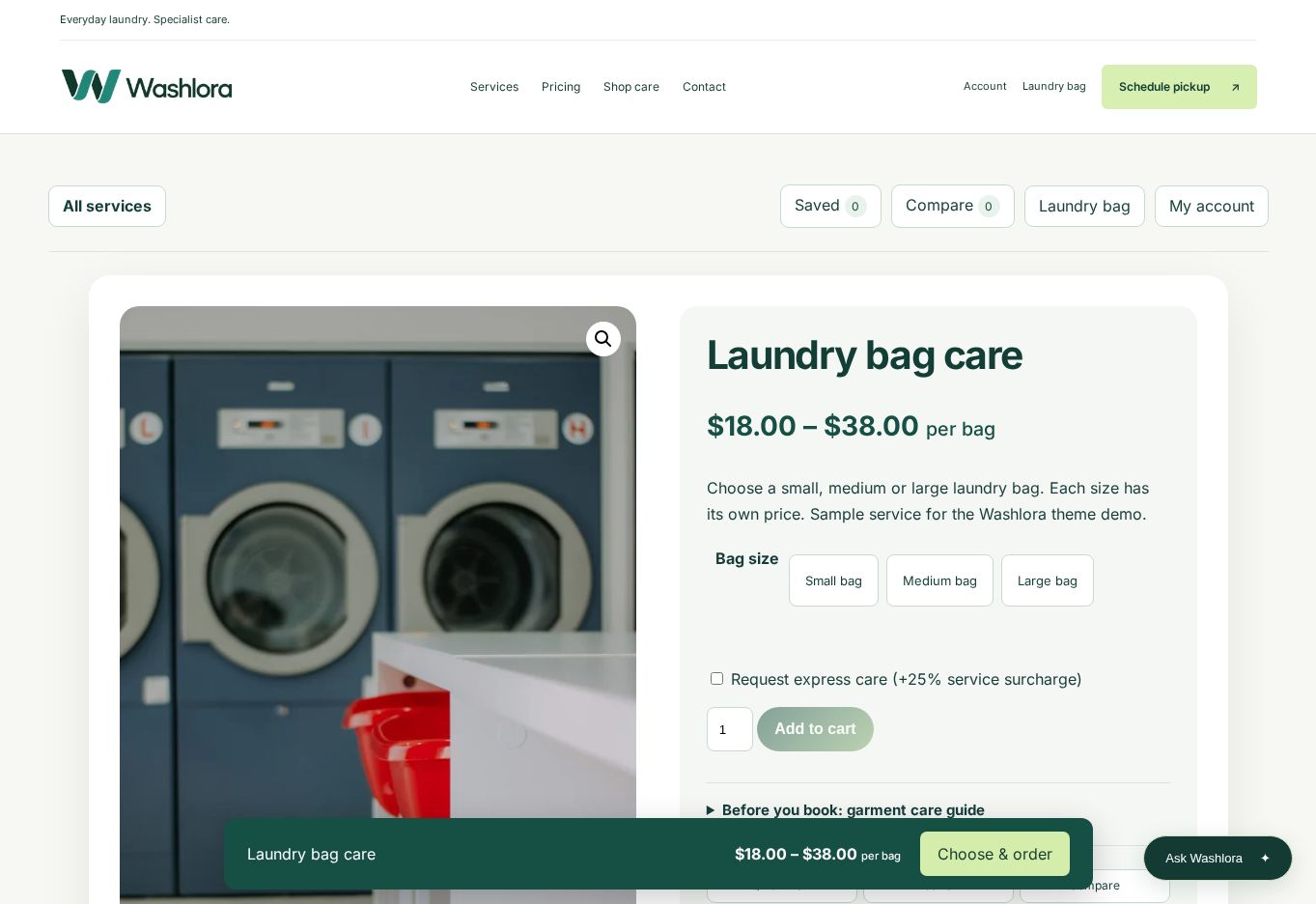
Real screenshots of the Washlora preview site, showing the same screens these guides describe.
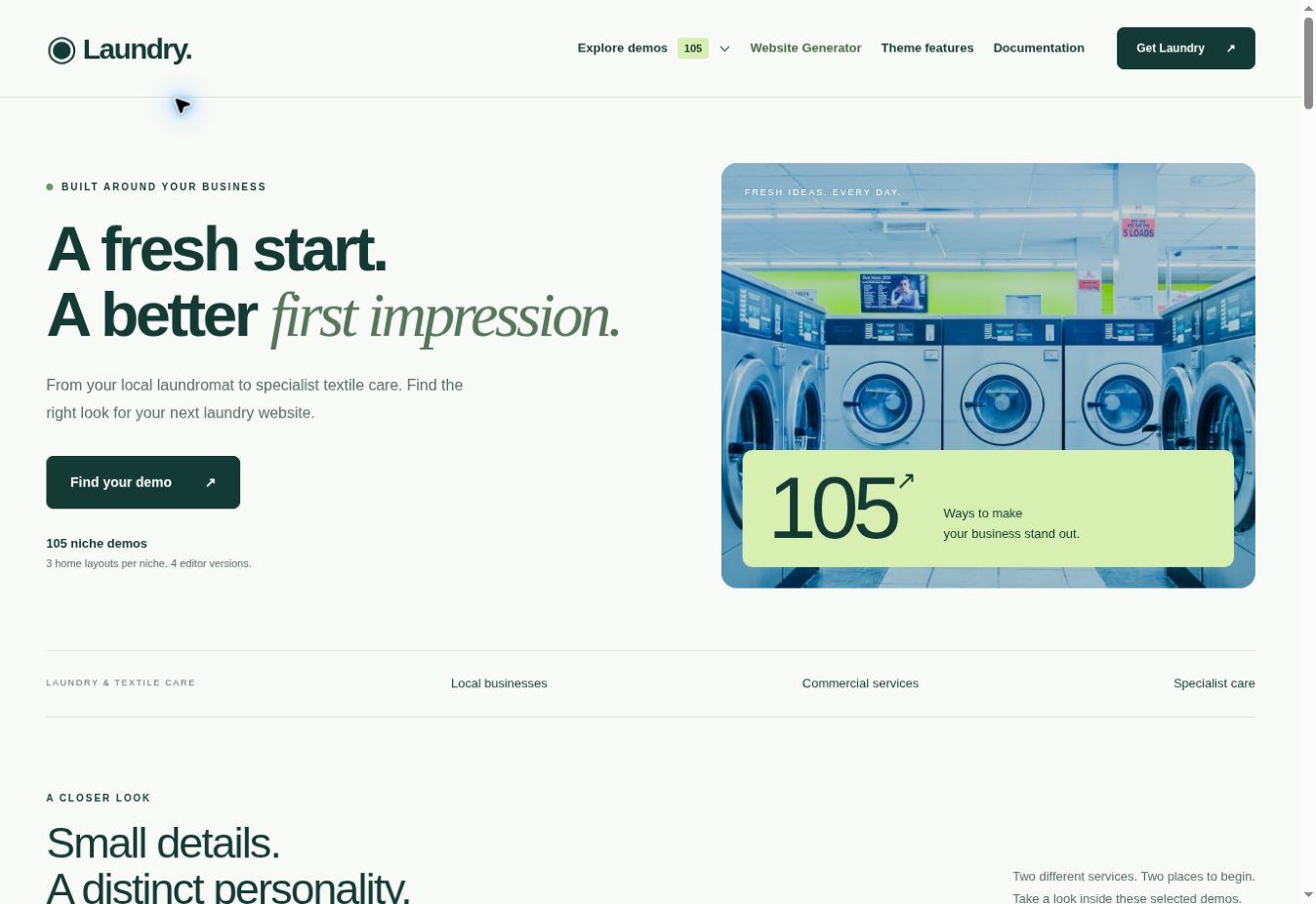

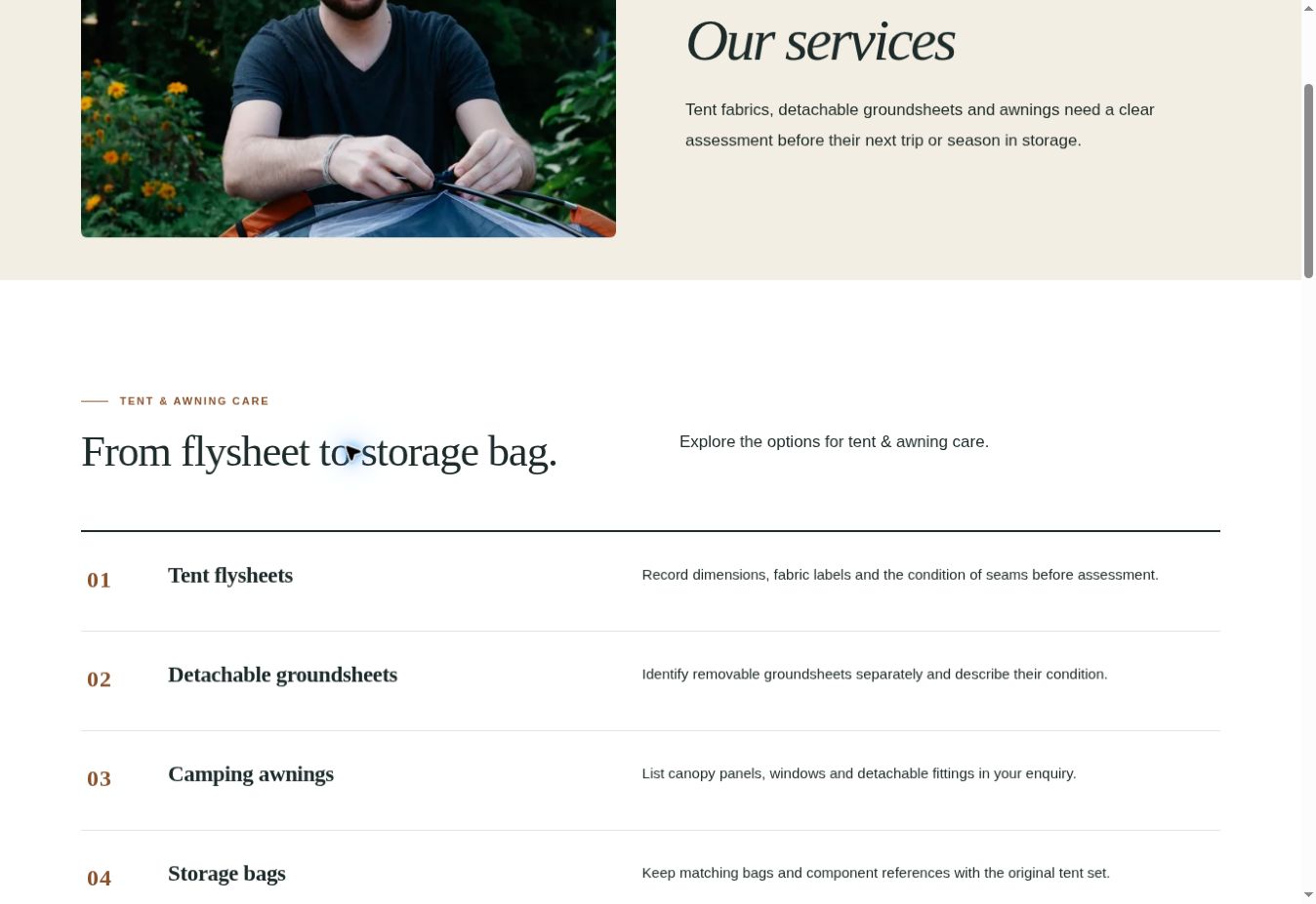
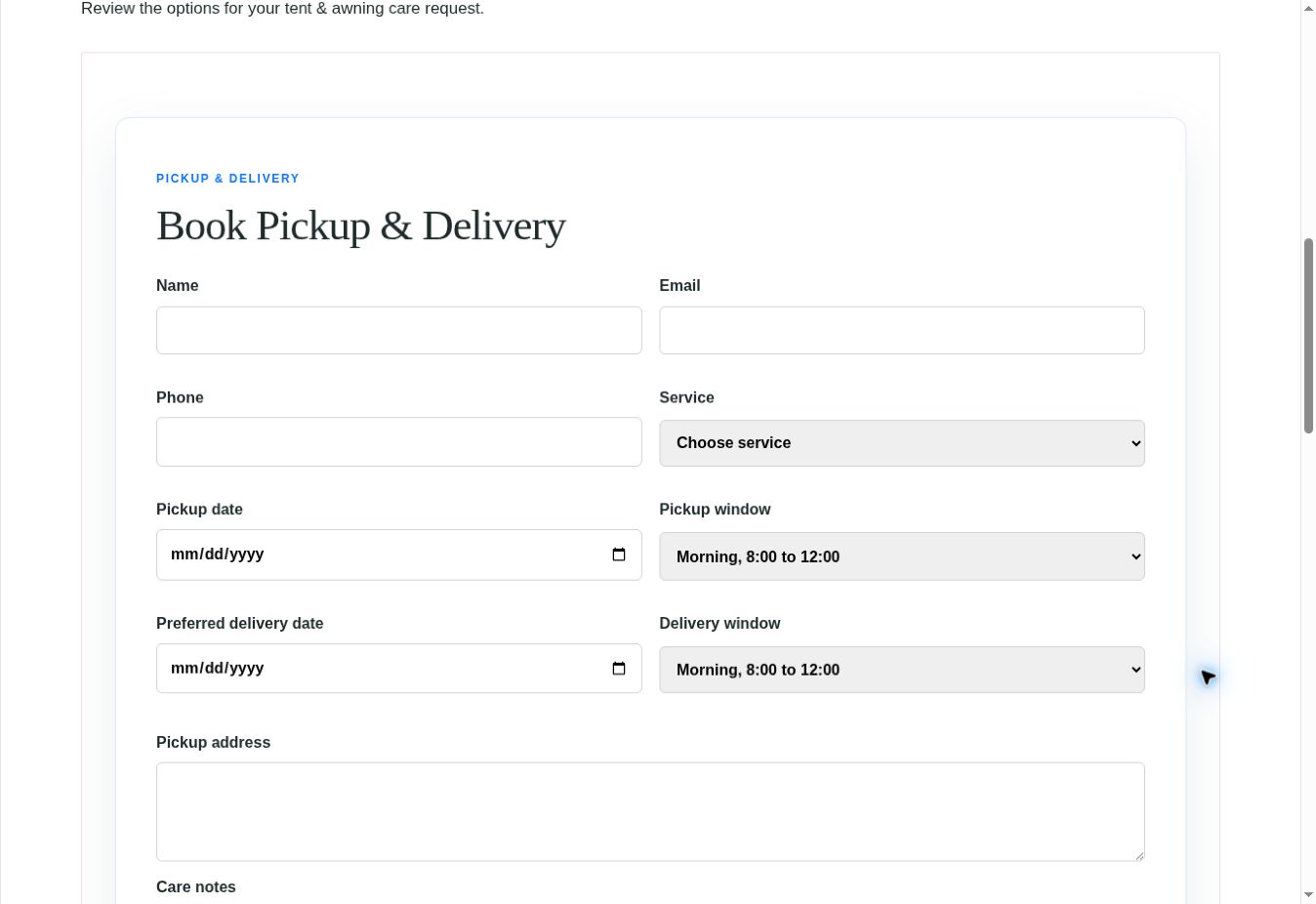
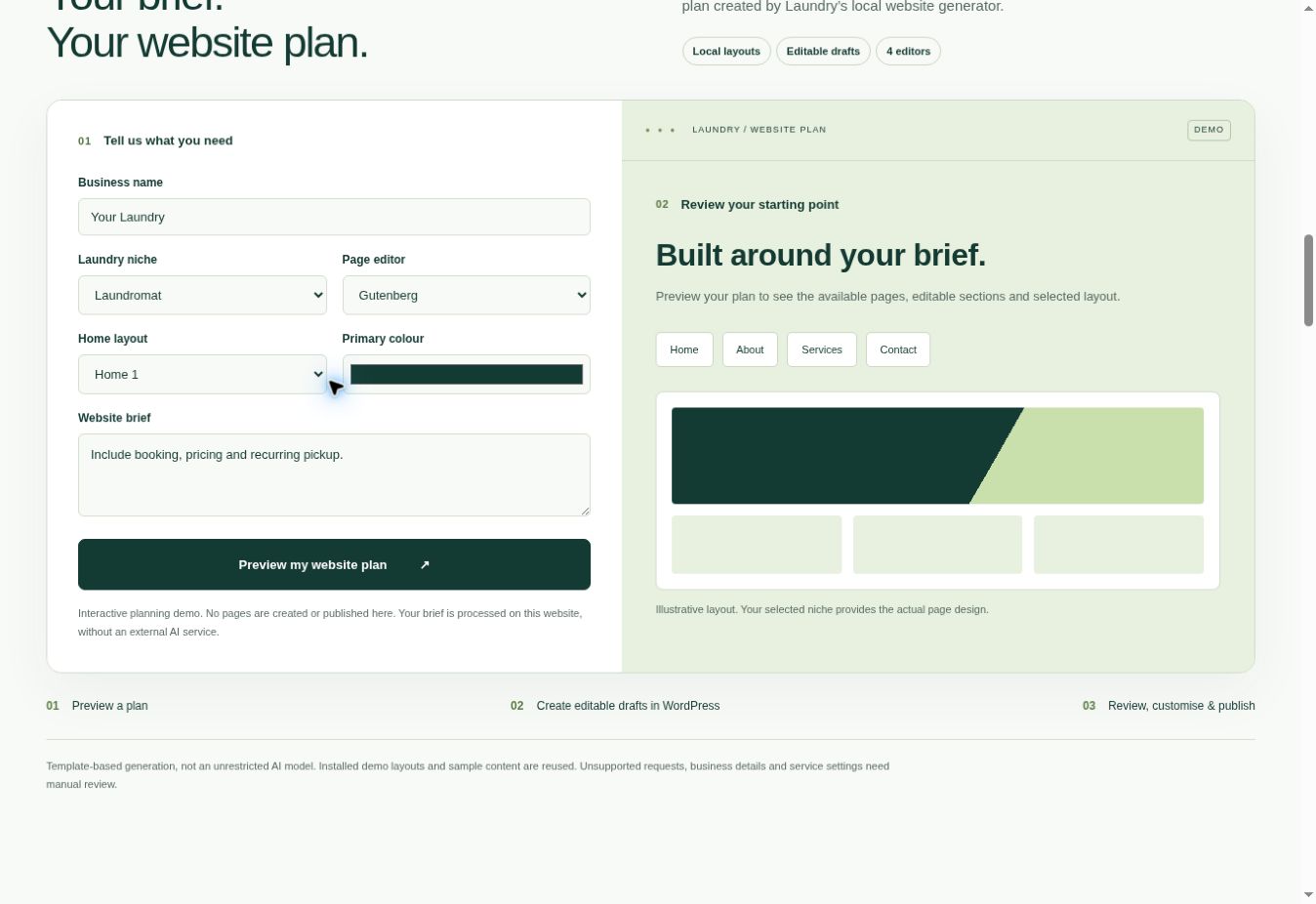
Preview page: WooCommerce showcase
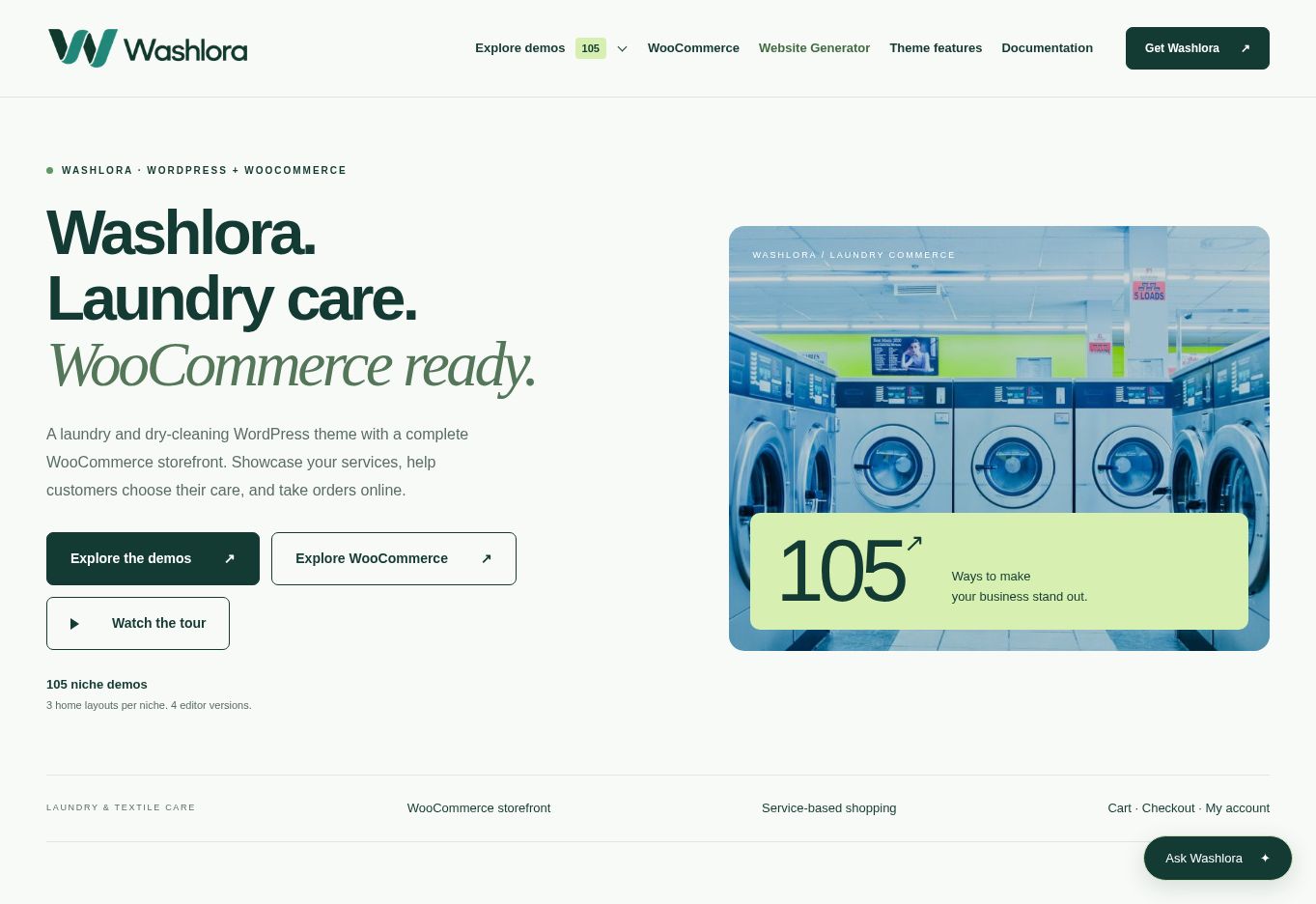
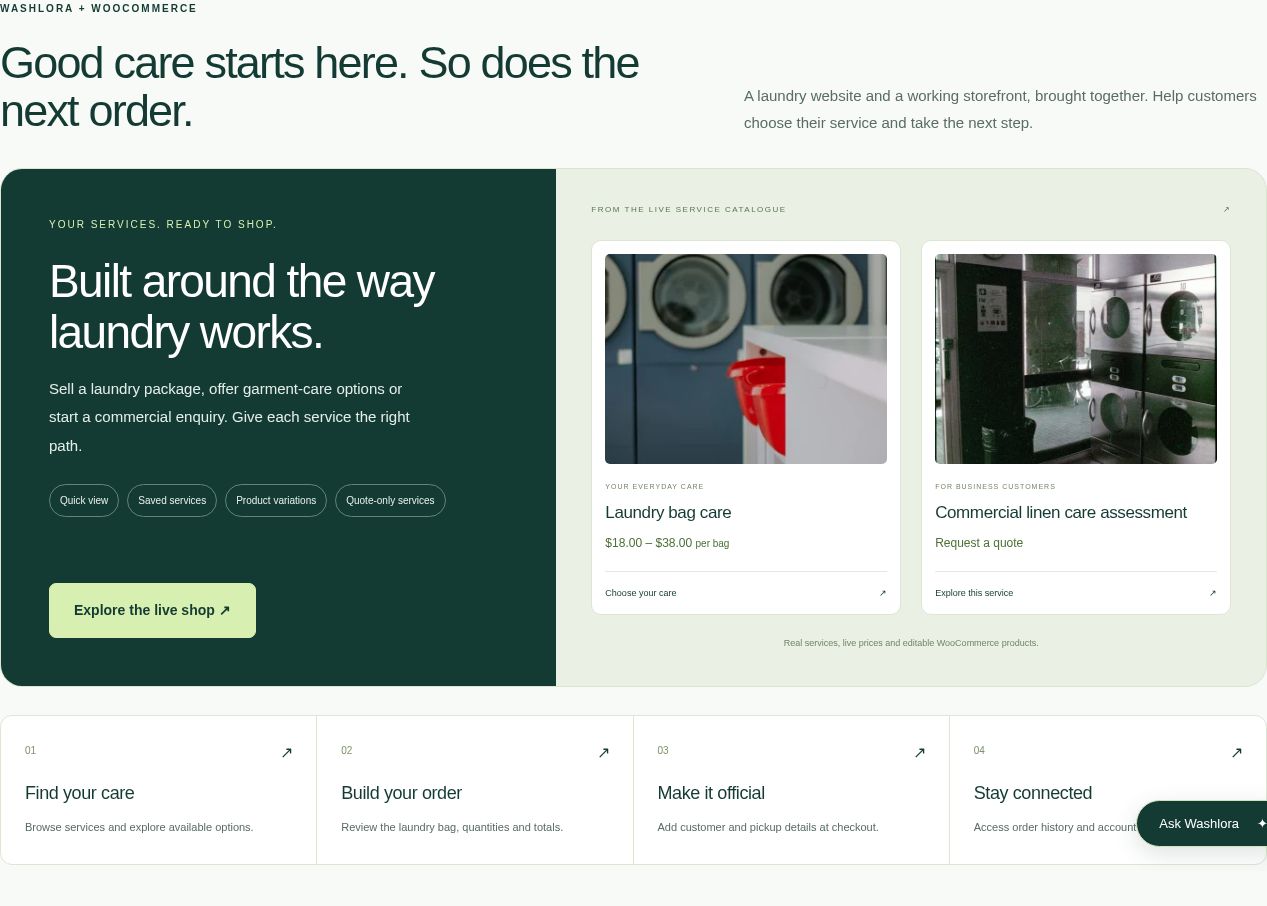
WooCommerce shop screens
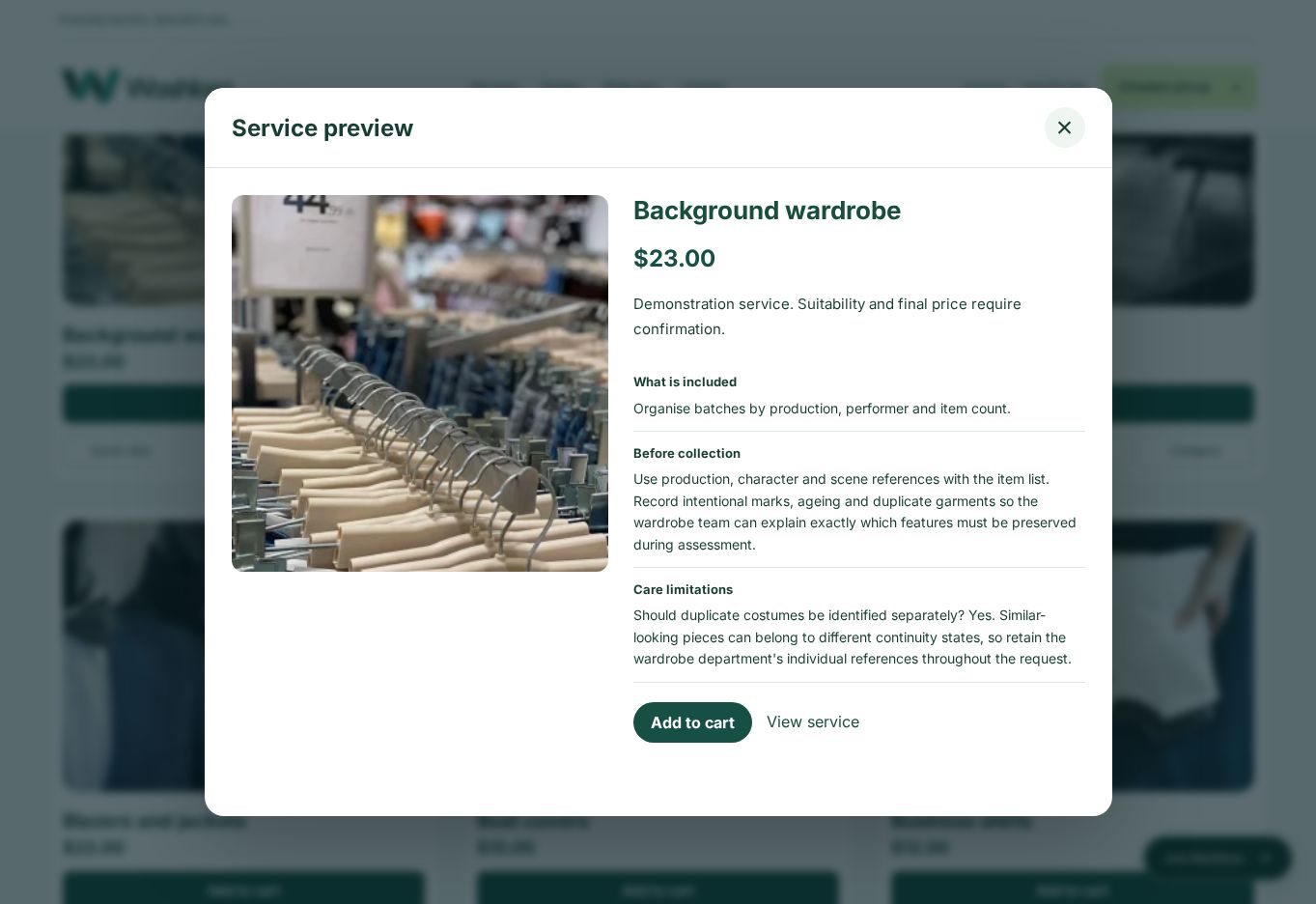
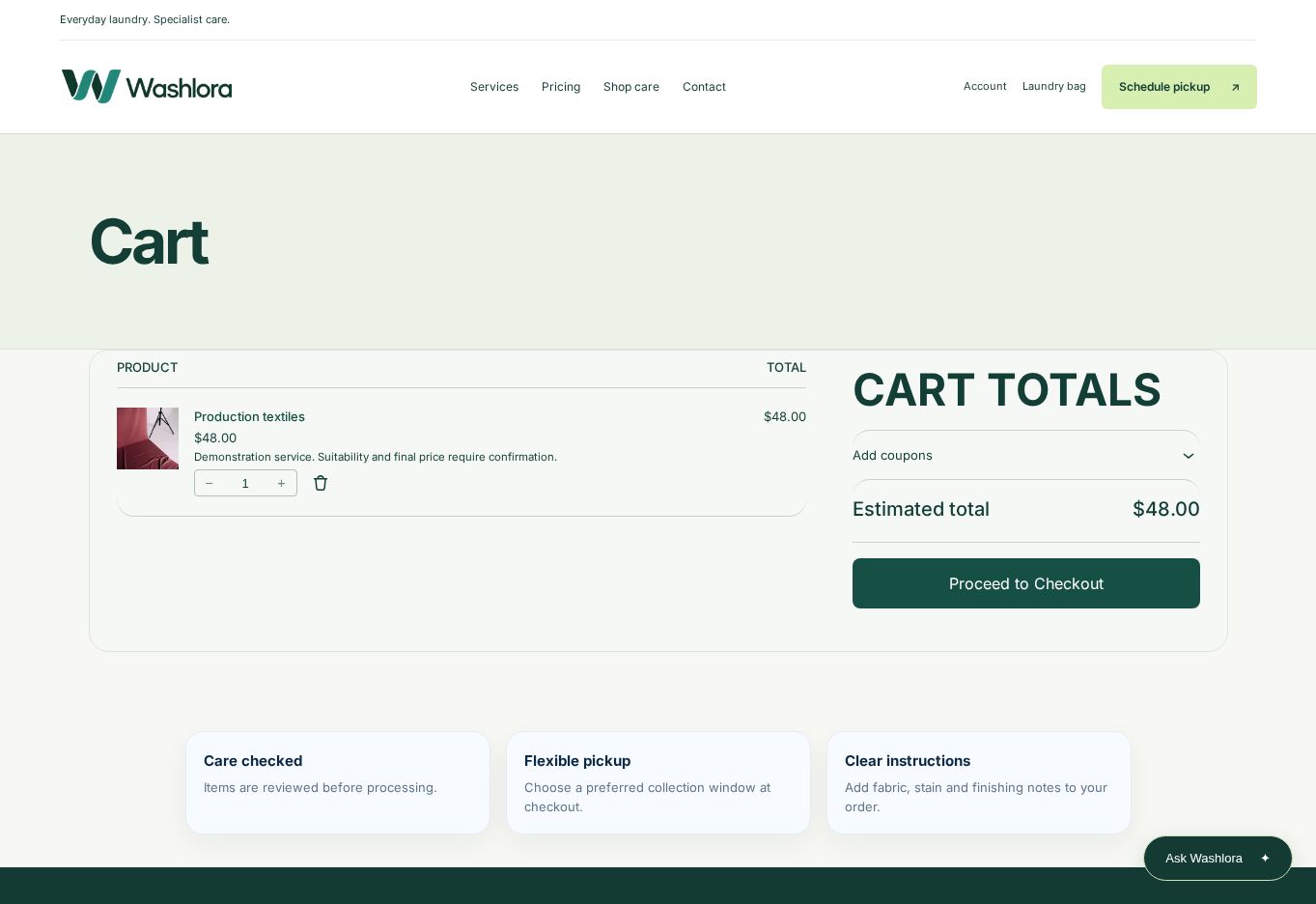
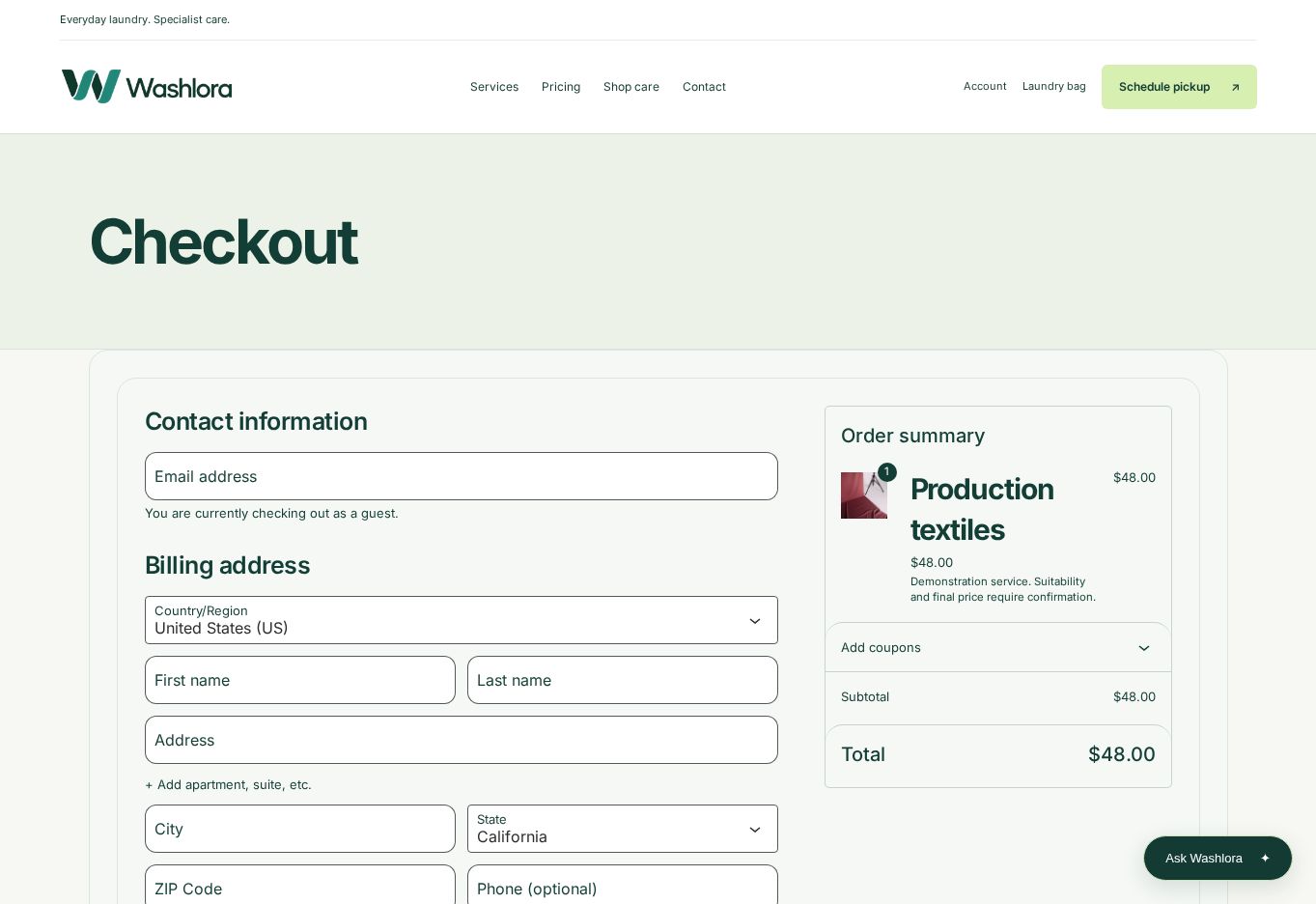
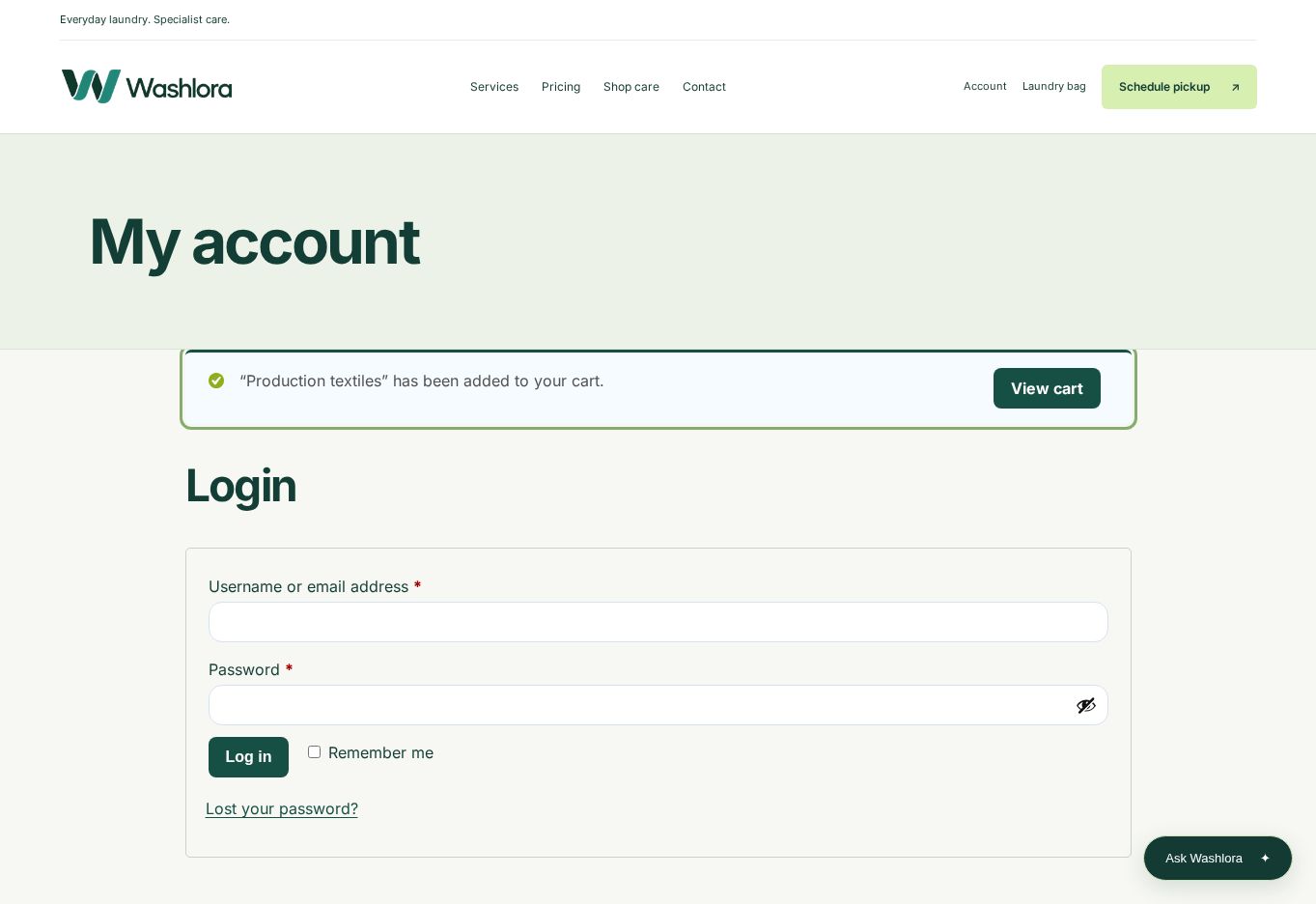
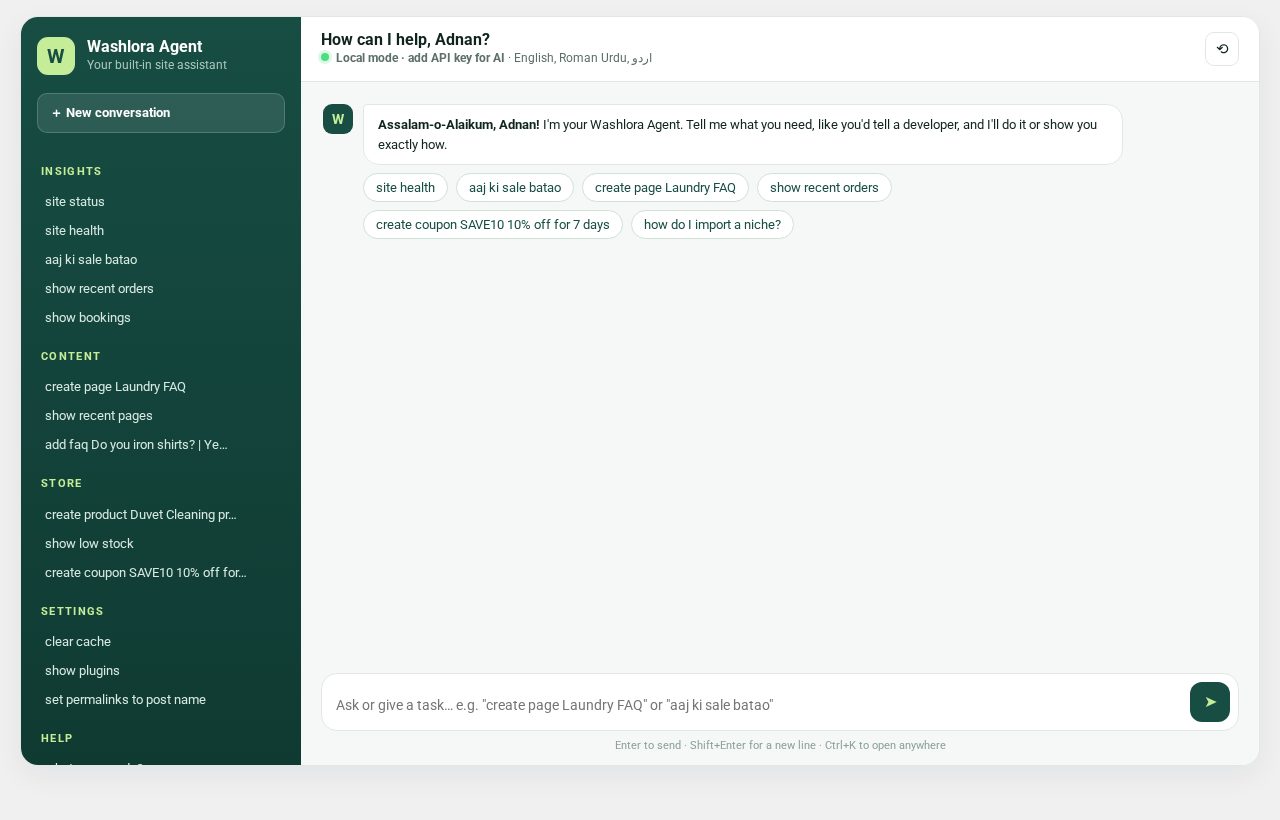
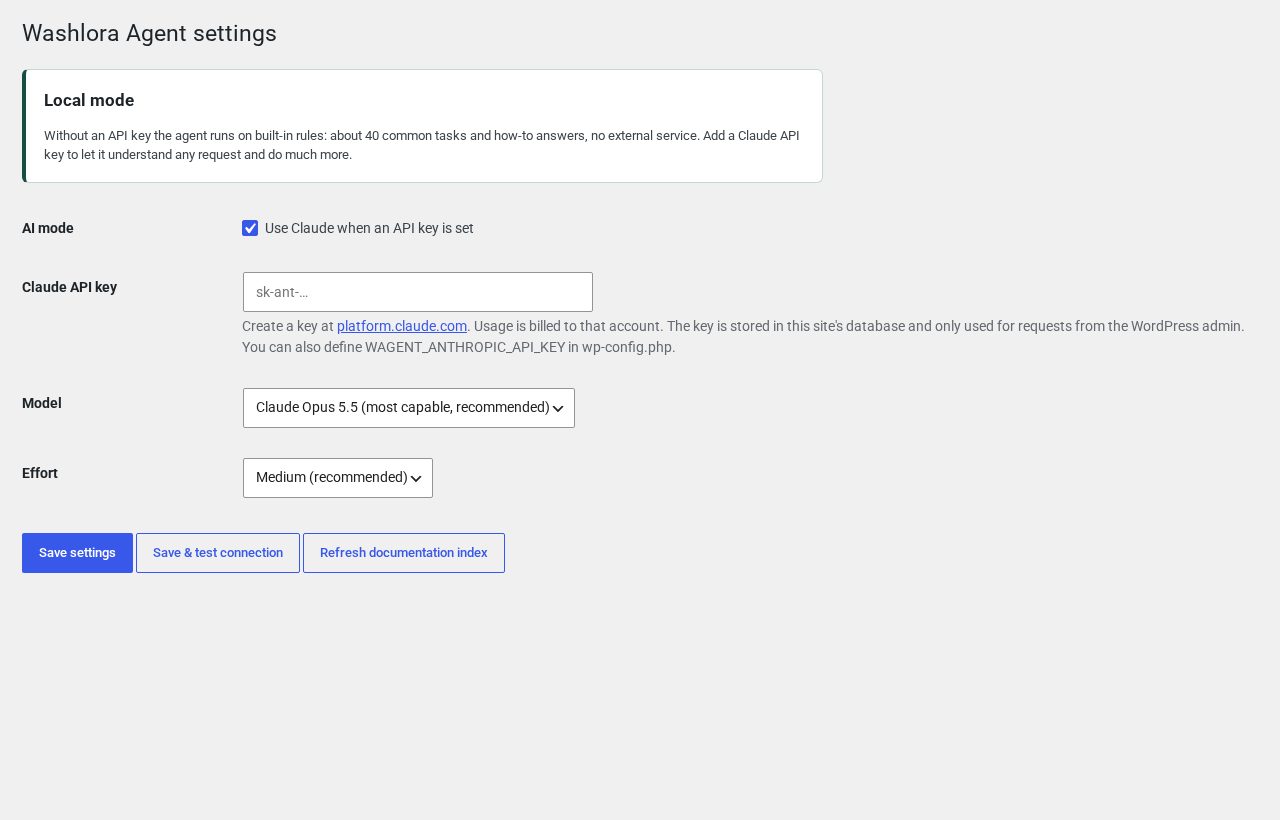
Washlora Agent screens
Browse the guides
WordPress and PHP requirements, package contents, theme upload and companion plugins
Choose one of 105 niches, import it, and review what is created
Editing with Four Page Editors
Gutenberg, Elementor, WPBakery and Classic Editor workflows
Niche identity, niche design, Design Studio, menus, services, pricing, images and sliders
Every Washlora admin screen: where to find it, what it does and the recommended procedure
Enable, configure, test, reset and troubleshoot each Washlora feature
Content types, fields, options, shortcodes, forms, hooks and data handling — exact lookup
Booking, Pickup and Operations
Booking requests, service areas, pickup slots, express care and garment tracking
Service catalogue, shopping tools, checkout, payments and quote-only services
AI Studio: Generator and Assistant
Create editable page drafts locally and use the administrator assistant — no API key
Languages, RTL and Accessibility
Translation, right-to-left layouts, responsive and keyboard checks
Server limits, memory, timeouts and a fix-by-symptom table
Pre-launch checklist, safe updates and how to write a support request
Demos, editors, importing, shopping, payments, licences and support
Child theme, shortcodes, template files and where to keep custom code
What changed in 2.0.0 and the Commerce Studio updates
Every real screenshot used in this documentation
Demo photography sources and licence handling
Quick start
- Upload and activate the Washlora theme (
washlora-theme.zip). - Install and activate Washlora Core, then the free WordPress Importer.
- Install the editor you will use (Elementor, WPBakery or Classic Editor — Gutenberg is built in), plus WooCommerce and Contact Form 7.
- Open Appearance → Import a niche and choose one of the 105 niches.
- Click Import selected niche, then open Pages and choose your home layout and editor version.
- Replace the sample content: Niche identity, menus, services, prices, booking and contact details.
The full step-by-step walkthrough is in the Master Guide. Use the language selector in the top bar to read the whole documentation in your own language.
Downloads
- Offline HTML documentation (ZIP) — extract and open
index.html. Search, dark mode and screenshots work offline.