Documentation home › AI Studio: Generator and Assistant
Watch the video tutorial
EP 10 · Laundry Checkout with Pickup Fields, Website Generator & Docs · 4:26 · YouTube
More video tutorials

Create editable drafts without API keys
The local generator assembles pages from the installed demo templates. It is template-based, not an unrestricted language model, and it needs no external AI API key.
- Open the generator as an administrator.
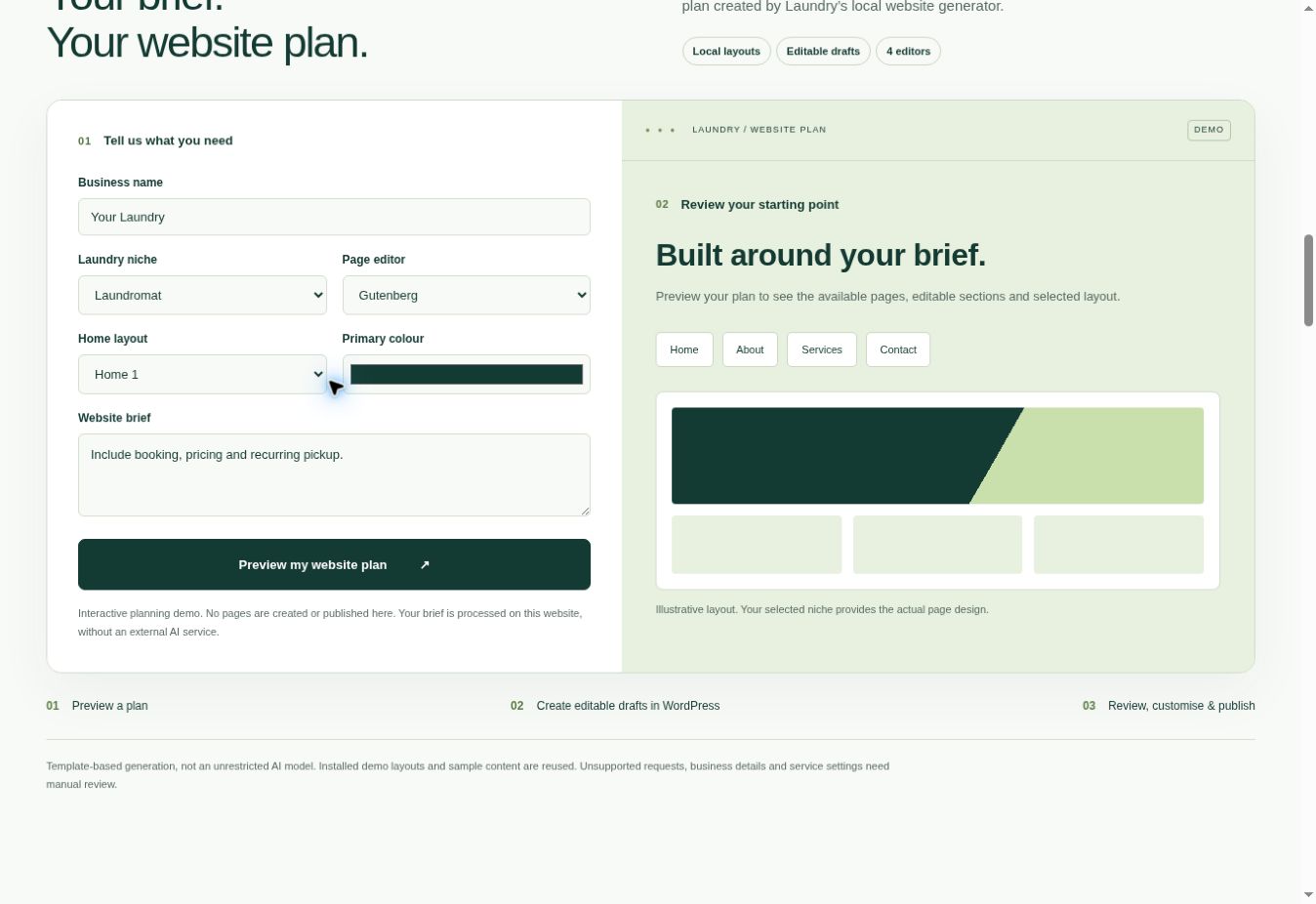
- Enter Business name, Niche, Editor, Home layout and an optional
#RRGGBBprimary colour. - Describe the pages you need, for example: Include booking, pricing and recurring pickup.
- Click 1. Preview website plan. Review the page list and any missing-template warnings.
- Use the build action to create editable drafts. Review each draft, replace sample information and configure forms.
- Publish only after review, then assign your homepage and menu. The generated menu is not assigned automatically.
- Use the batch undo action only while all generated pages remain drafts. Published or removed pages need a manual review.
Administrator assistant and layout generator
The updated Theme Assistant previews supported changes, requires Yes / No confirmation and provides conflict-aware Undo. Use Washlora AI Studio > Theme Assistant.
The Header / Footer Generator offers five header presets and four footer presets with logo, menus, colours, pickup actions and assignment controls. Public visitors also have the read-only Ask Washlora service assistant.
Read the full assistant and header / footer generator guide with desktop and mobile examples.
Design Studio
Washlora AI Studio also contains a Design Studio. In the installed code only the colours, body background, text colour and content width it saves reach the front end; legacy header, footer, logo, slider and layout values are stored separately. Use the new Header / Footer Generator for active generated headers and footers. See Branding, Design and Content for the full list of controls.