Malware file scanning
Check WordPress files for suspicious code patterns and integrity differences. Review results before deciding what to do.
Scan your WordPress files, review suspicious changes, and manage security findings with clear actions. Start with the essentials, or explore advanced tools in Pro.
Scan completed
Review suggested
Report ready
Security workflows that show what was checked, what was found, and where you may need to take action.
Check WordPress files for suspicious code patterns and integrity differences. Review results before deciding what to do.
Move eligible suspicious files out of their working location and retain recovery information for review.
See scanned files, findings, recent scans and guidance in a focused dashboard without clutter.
Track changes against a saved baseline to help spot unexpected modifications to monitored files.
Inspect suspicious database content and check plugin or theme ZIP packages before applying fixes.
Use backup tools, hardening controls and two-factor options to support a wider security routine.
Try this read-only, interactive preview. Every count and finding below is sample data, not a scan of your website.
One place to review what your latest scan found.
Explore the scan flow and findings with sample information.
See how a scan progresses. This simulation does not inspect any files.
Press the button to see a sample progress flow. Nothing runs on the server.
Understand the severity and recommended next steps.
| File / location | Severity | Recommendation |
|---|---|---|
| /sample-theme/functions.phpPattern requires review | Medium | Inspect the code and compare with a trusted version. |
| /sample-plugin/includes/helper.phpUnexpected change example | Medium | Verify the source before taking any action. |
| /sample-uploads/readme.txtInformational example | Low | Confirm the file is expected. |
Readable scan summaries and a consistent history layout.
| Scan | Files checked | Review items | Type |
|---|---|---|---|
| Sample scan 03Latest example | 12,480 | 3 | On-demand |
| Sample scan 02Previous example | 12,410 | 5 | On-demand |
| Sample scan 01First example | 12,390 | 6 | On-demand |
Captured from a separate, clean WordPress test installation using the Lite 1.5.9 admin rendering. No production site data.
Private test installation. Read-only plugin-rendered page captures, not a public WordPress admin session. View Lite and Pro screenshots in documentation.
See the real Pro 1.4.9 admin interface, including Real-time, Backups, Hardening, Two-Factor, Database Scan and other tools. Read-only screenshot preview.
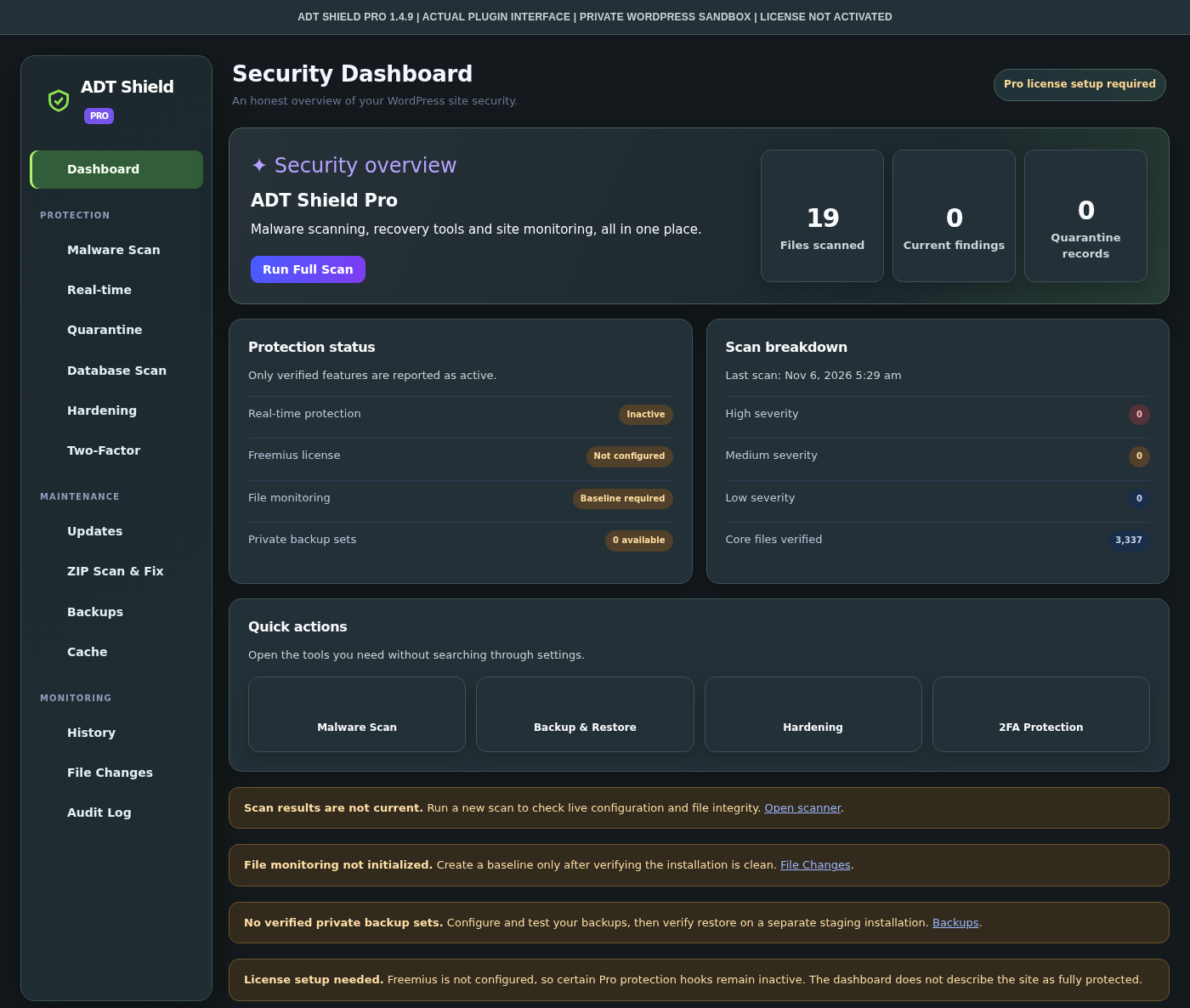
Pro was installed and activated in an isolated WordPress sandbox. The gallery shows screenshots from actual rendered plugin pages without exposing private admin access.
Simple actions, careful handling, and a clear record of what happened.
Choose a scan scope and let the plugin check eligible WordPress files.
Inspect findings, paths and available context before changing files.
Mark verified items as safe, quarantine eligible files or reinstall from trusted copies.
Re-scan after changes and keep an eye on new results.
Download Lite for on-demand scanning. Pro adds more tools but requires setup and a valid license for premium operation.
On-demand file scanning and clear reports.
More security workflows in one plugin.
Compare the available modules. Pro features can require a configured license and individual feature verification.
| Security feature | Lite | Pro |
|---|---|---|
| On-demand file malware scan | Included | Included |
| Scan findings and history | Included | Included |
| Eligible file quarantine | Included | Included |
| ZIP package inspection and fix workflow | Not included | Pro module |
| Database suspicious-content scan | Not included | Pro module |
| File change monitoring | Not included | Pro module |
| Backup and recovery tools | Not included | Pro, restore QA pending |
| Two-factor authentication | Not included | Pro module |
| Real-time monitoring and protection | Not included | License + E2E needed |
ADT Shield helps you inspect WordPress security signals. A scan cannot guarantee a site is fully safe. Some advanced Pro features remain under release testing and require a configured license.
Answers to the questions that matter before installing a security plugin.
No. The interactive preview uses fictional sample data. It does not connect to your WordPress installation or perform a real malware scan.
Lite focuses on on-demand file scans, readable results, scan history, and supported quarantine actions. It is not advertised as real-time protection.
Not yet. The current build is for testing. Freemius licensing, real-time protection verification and complete recovery testing are still required before commercial release.
No. Some findings require manual review, clean reinstall, or expert investigation. Automatic changes can be unsafe when context is missing.
Both packages can be present in WordPress, but only one edition should run at a time. Shared quarantine records are preserved when switching editions.
Try the simulated dashboard, then compare what Lite and Pro can do.
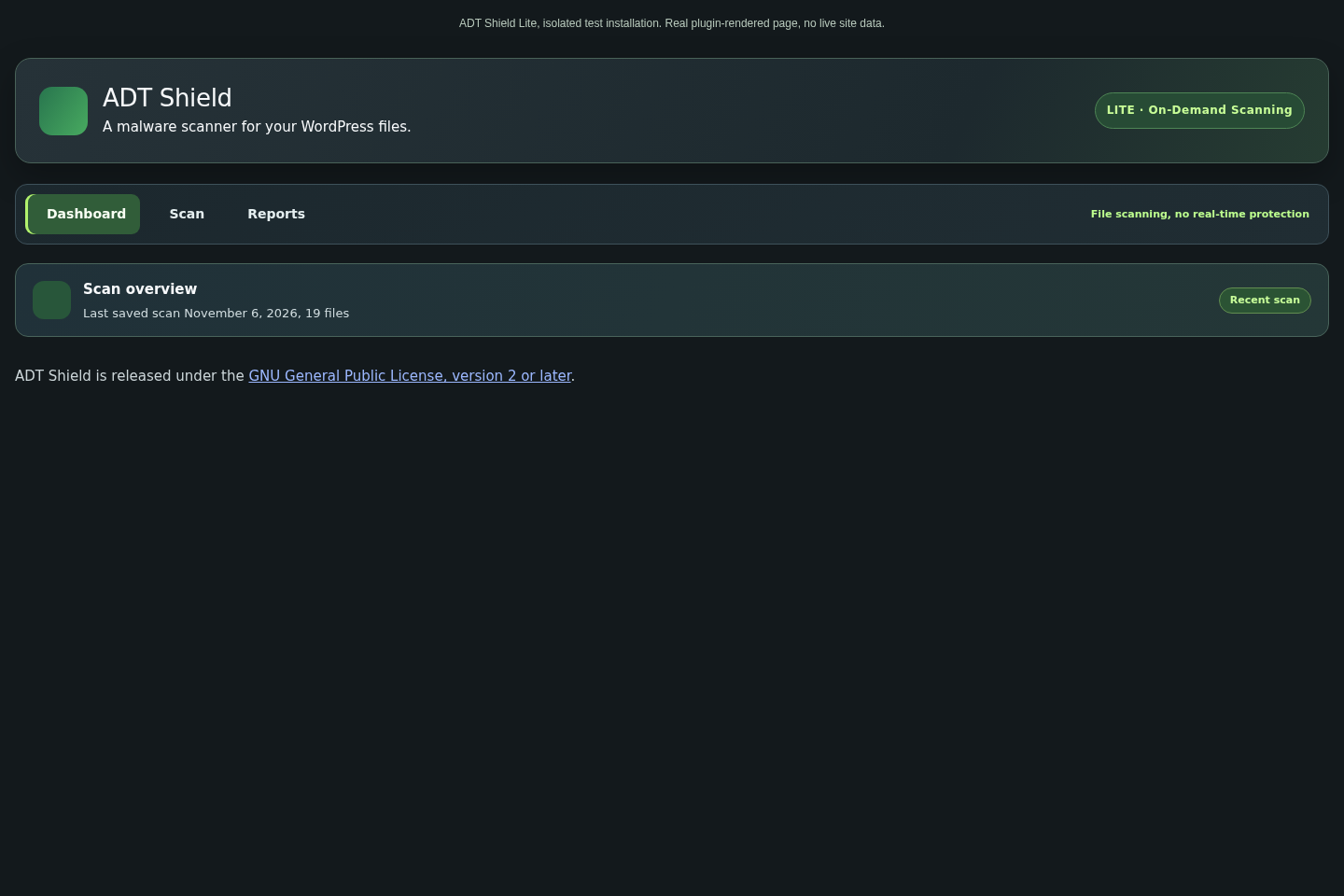 Lite dashboard
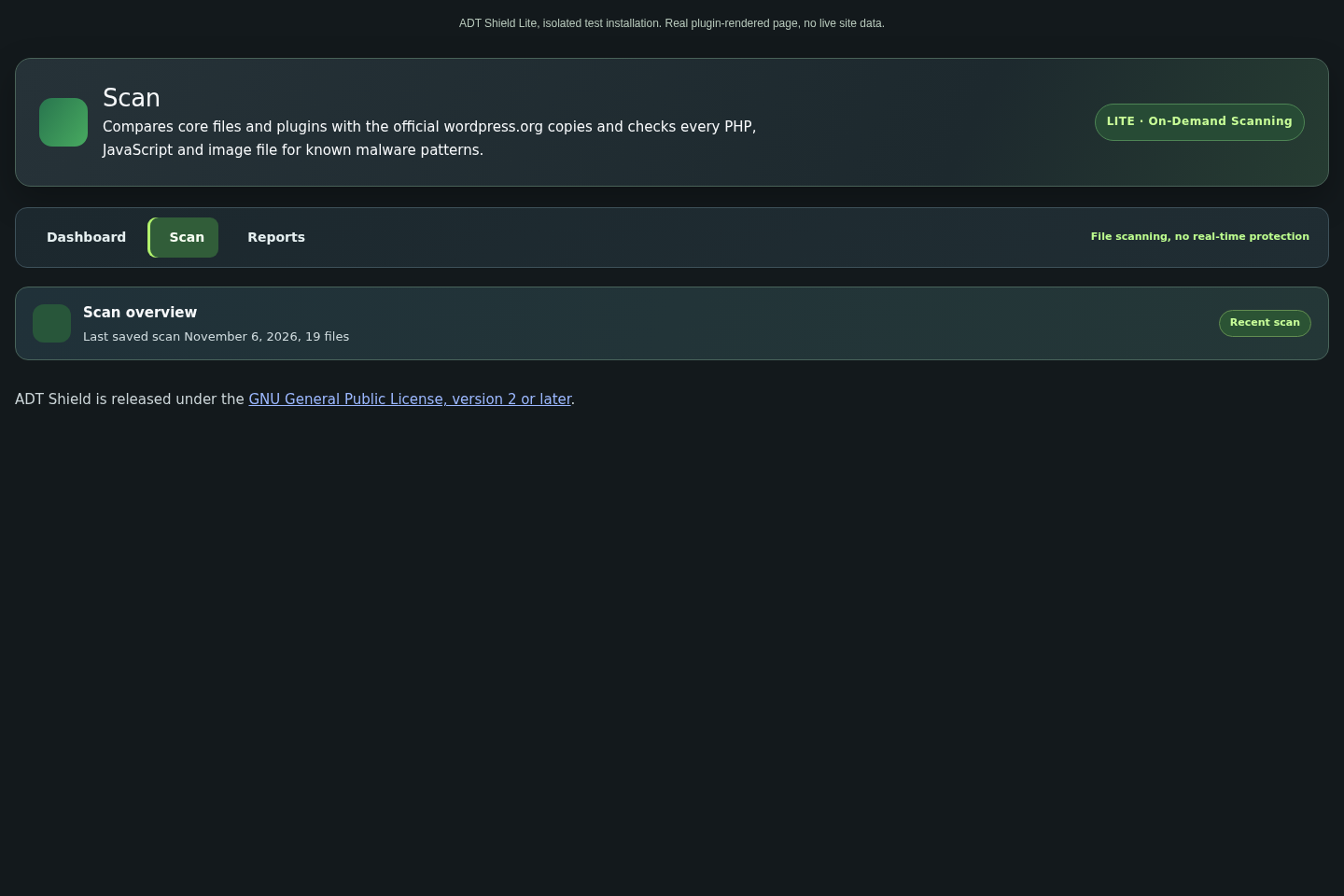 Scan interface
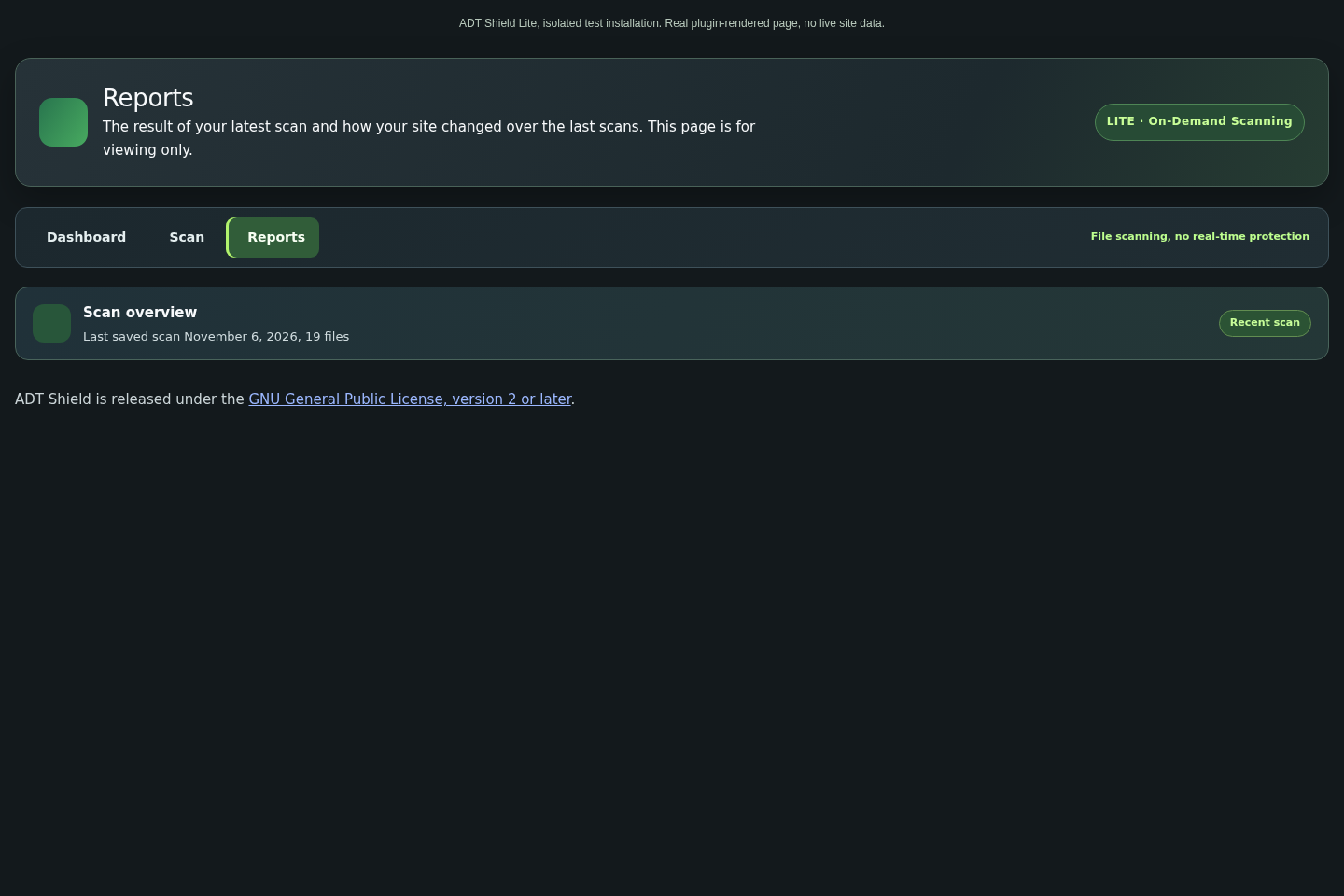 Reports