
Grocery Mart · Home 2
Fresh food first, everyday essentials close behind
A warm neighborhood grocery concept focused on produce, pantry staples and easy browsing.
Explore Fresh FoodA warm neighborhood grocery concept focused on produce, pantry staples and easy browsing.
Explore Fresh FoodMake staples, ingredients and household basics easier to find with clear category structure.
Browse PantryPresent delivery areas, handoff expectations and ordering guidance honestly until a real commerce system is connected.
Delivery InfoA premium market presentation should separate fresh food, pantry staples and household essentials clearly.
Fruits, vegetables and seasonal selections.
Grains, sauces, tins, snacks and cooking basics.
Everyday grocery-adjacent essentials in one clear category path.
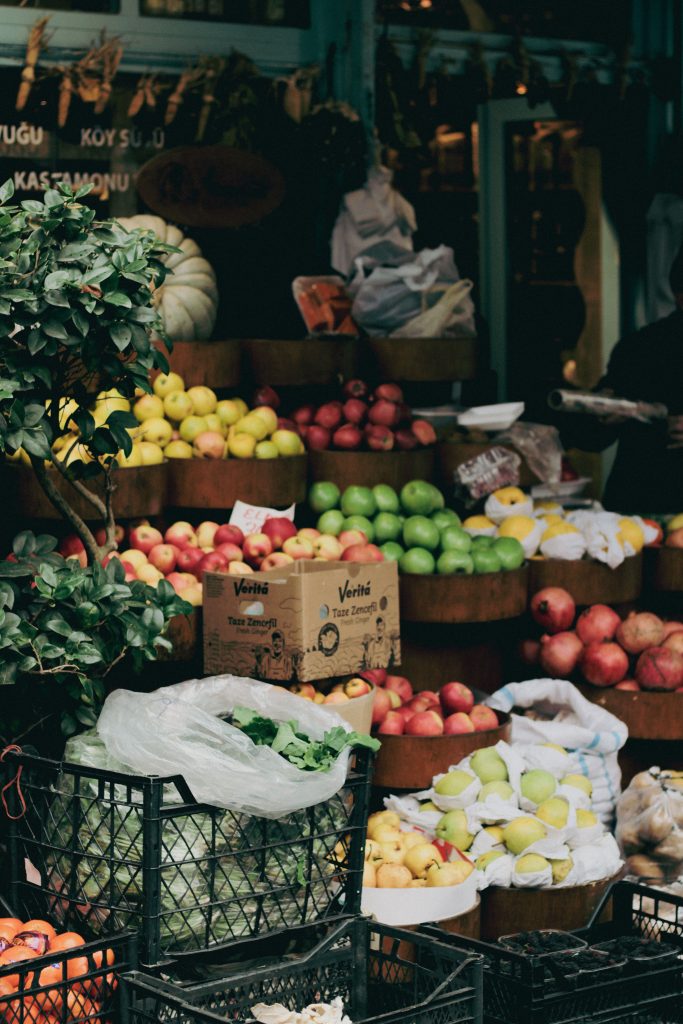
Use real produce photography and clear category design without making unsupported freshness guarantees.
Organize the home around recognizable decisions rather than long generic marketing sections.
Fresh, pantry, household or featured picks.
Use real product data when connected to WooCommerce.
Only show live stock when a real commerce source supplies it.
Keep demo basket controls visibly illustrative.
Pickup or delivery only when configured operationally.
Use WooCommerce or another real checkout, never a fake static form.
Curated source footage gives the market demo a real shopping feel with a grounded visual direction.
Present pantry groups with simple labels, useful descriptions and room for real WooCommerce product data later.
Oils, sauces, spices and ingredients.
Cereals, spreads and everyday snacks.
Rice, pasta, grains and shelf-stable foods.
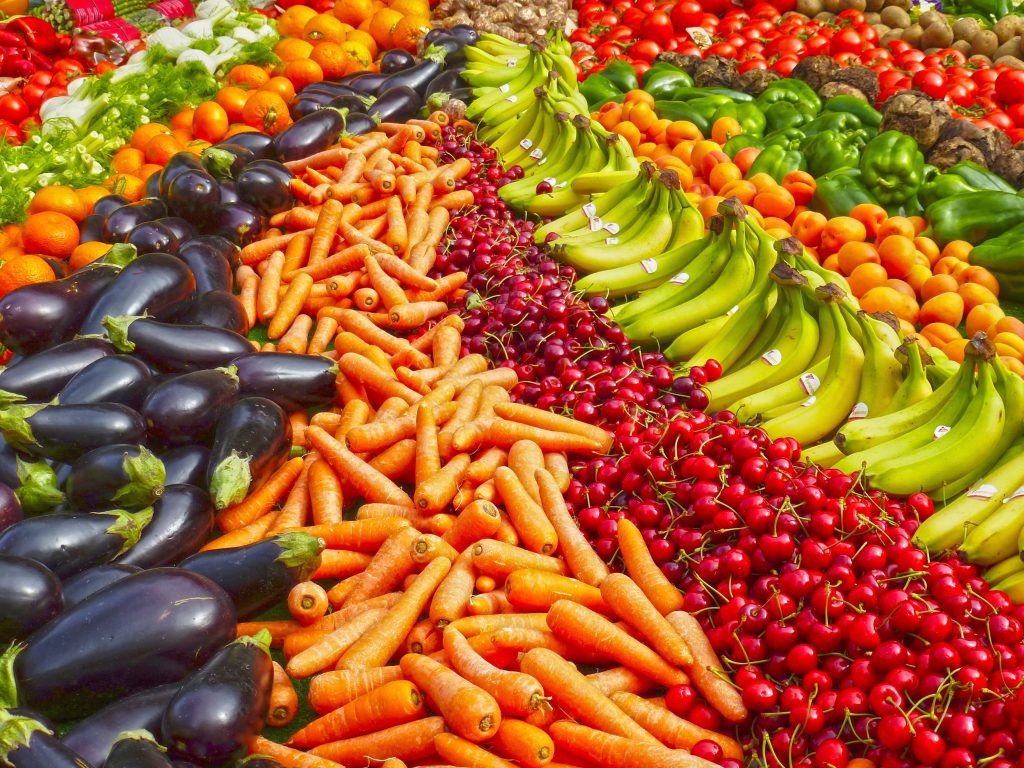
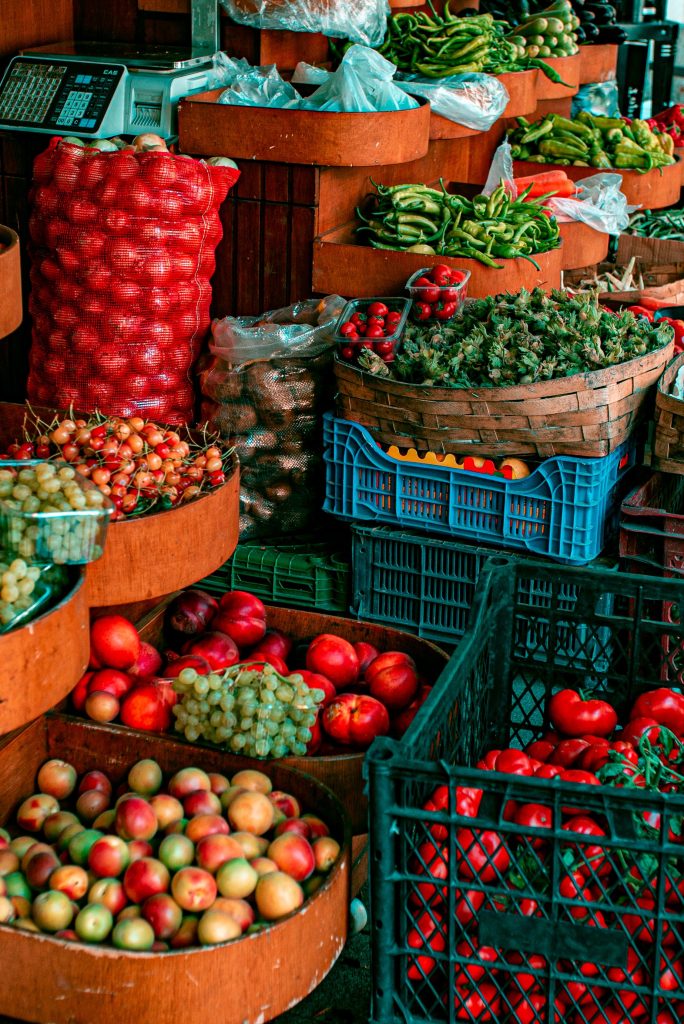
Use seasonal presentation to keep the grocery homepage visually fresh while leaving actual availability to a live inventory system.
Demo interface only. No stock, cart total, payment or order is created.
Give shoppers clear guidance around sourcing, handling, substitutions and delivery without making claims the demo cannot verify.
Use real ingredients, sizes and origin data when available.
Explain the store policy if substitutions are supported.
Connect to real operational zones before showing availability.
Describe collection steps only when the store offers them.
Make food and non-food return rules explicit.
Provide a clear contact route for order questions.
A second supermarket video adds human context and richer media coverage to the demo.
Use visual merchandising and category stories without fake discounts, stock counters or order volumes.
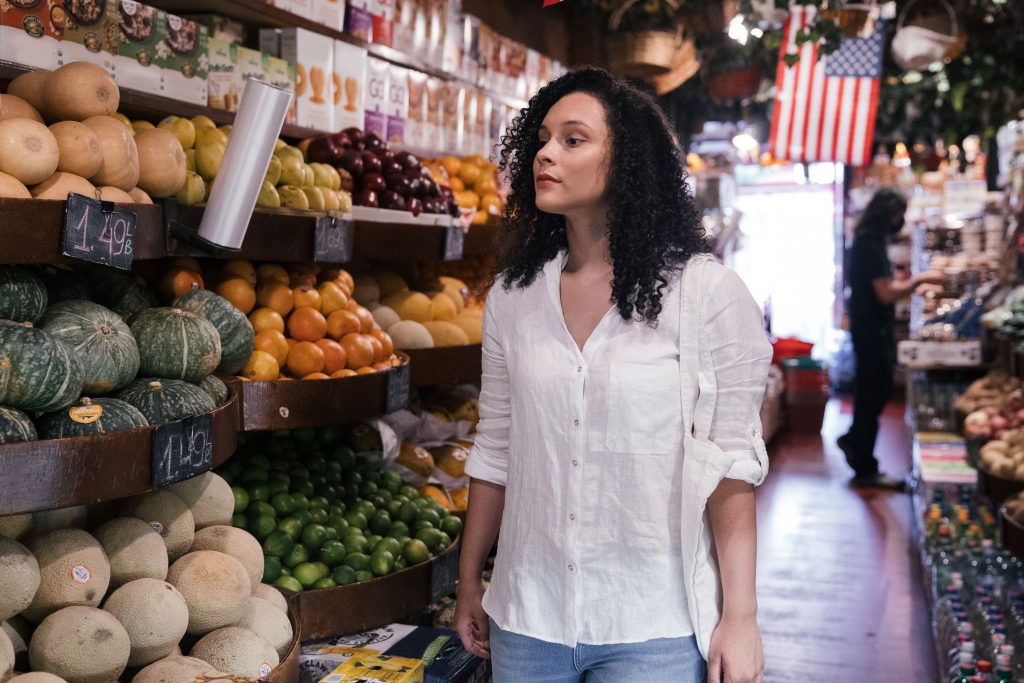
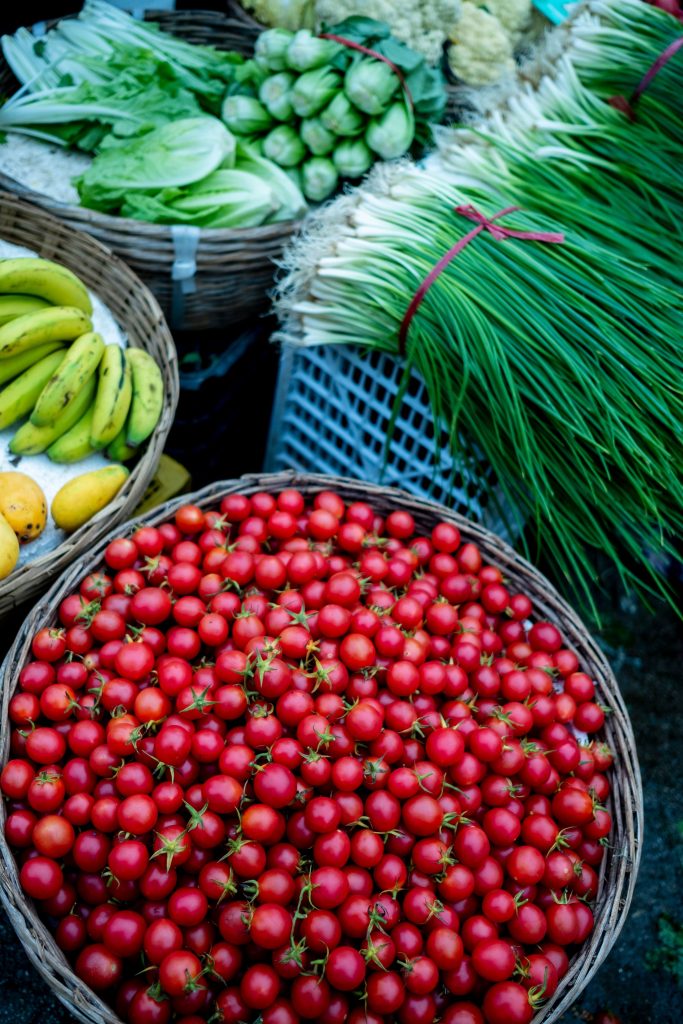
A seasonal visual block for fruits and vegetables.
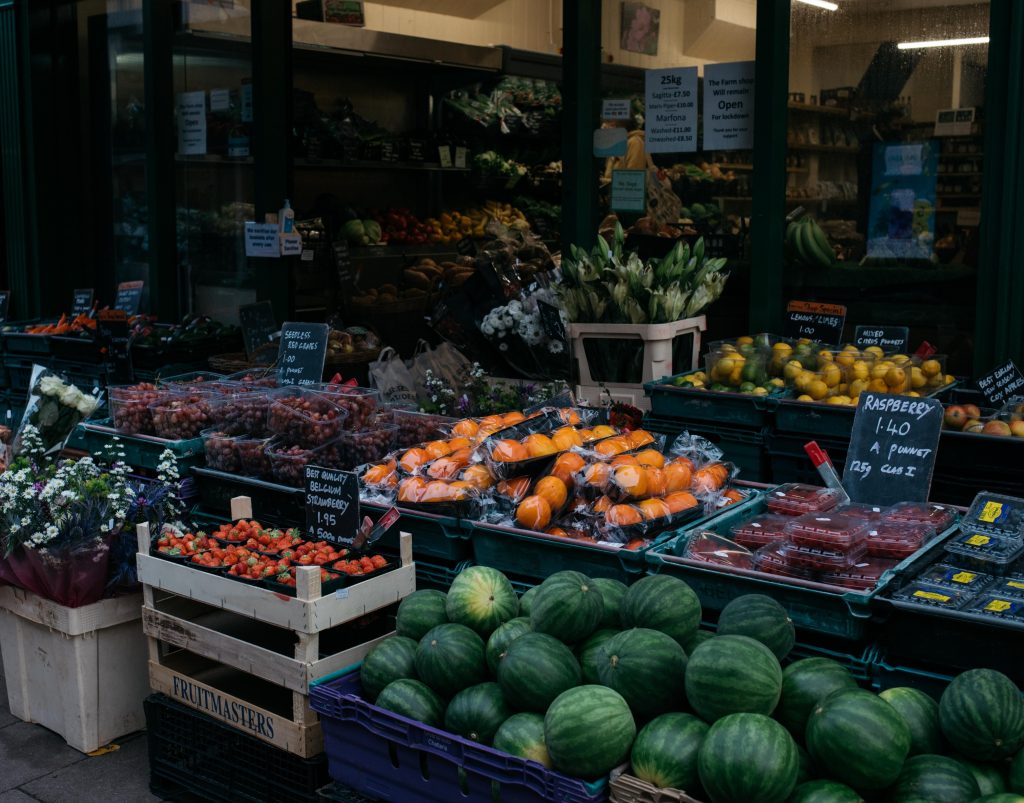
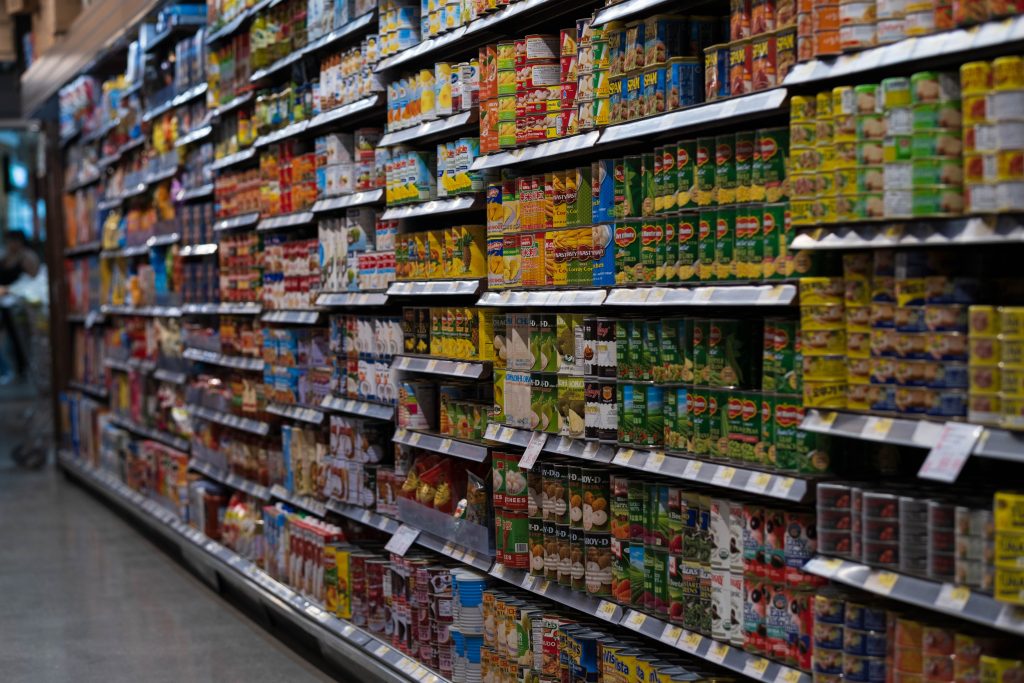
Organized store-shelf presentation for packaged goods.
A human merchandising story without unverifiable service claims.
Cover seasonal produce, pantry planning, storage and smarter grocery routines.
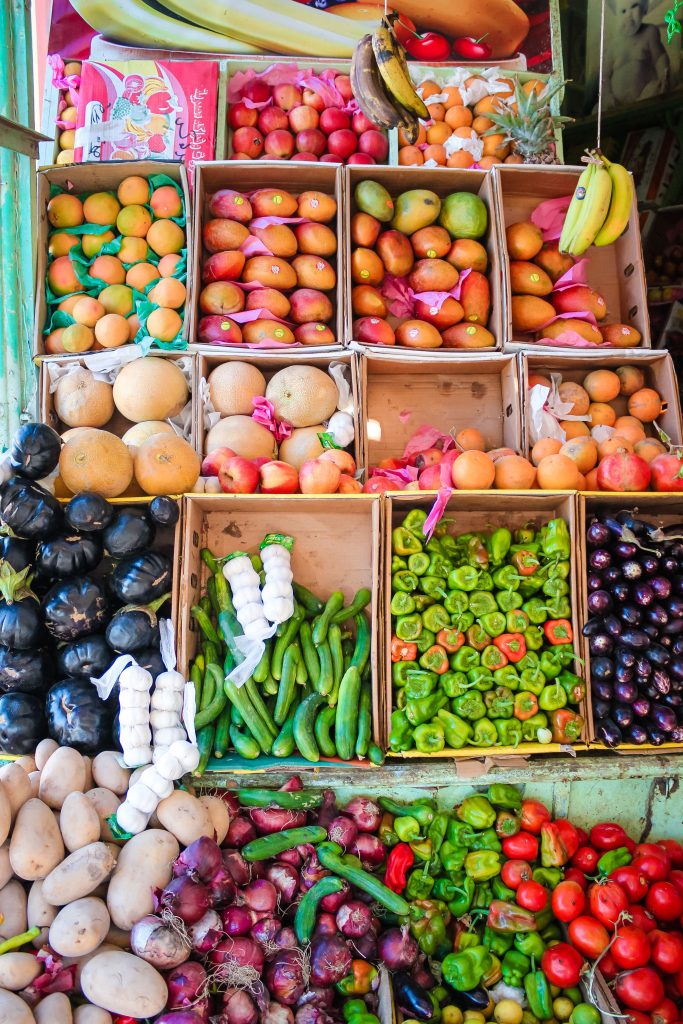
Use color, variety and realistic meal planning.
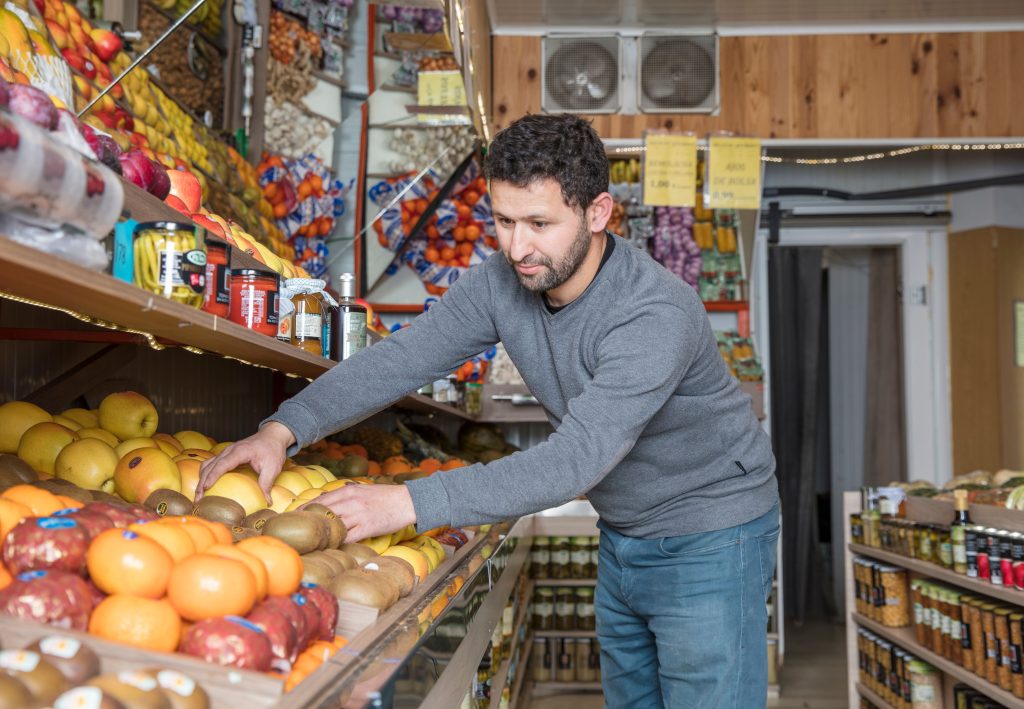
Organize ingredients around the meals people actually make.
Plan portions, storage and repeat use before buying more.